
Give an iPhone app they’ll actually use
Pick something the recipient already enjoys or has asked for. You can buy an eligible paid app through Apple, send a free recommendation, or tuck a scannable note inside a physical card.
App recommendation from Honest Little Apps. Scan to see Apple’s current price. This card carries no purchase or credit.
The note stays in this tab. Sharing sends the app link. Printing includes your note.
Six paid apps to consider
On November 20, 2026, the six listings below showed US$2.99 in the United States and CA$3.99 in Canada. Check Apple’s price and device requirements on the day you give the gift. An optional subscription or in-app purchase is separate.


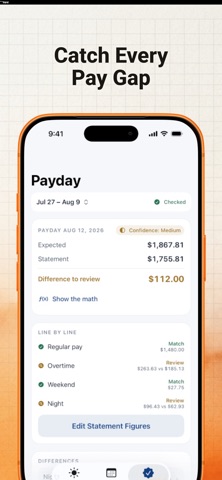

Send the gift through Apple
On an iPhone or iPad, open the paid app’s App Store page. Tap Share, then Gift App if Apple offers it. Follow Apple’s instructions to choose the recipient and delivery date. You and the recipient need Apple Accounts in the same country or region.
For a free download, use Share App and send the link. Apple handles any payment and sends the redemption email for a purchased gift.