Timecard
Side by Side
The weekly total can look right even when two shifts disagree. Compare your clock record with the decimal hours on your payroll statement, one shift at a time.
Compare two time records
Enter paid time as hours:minutes and the payroll entry as decimal hours. Use the same break deductions in both columns. Your entries stay in this tab.
Paste two spreadsheet columns
Clock time first, decimal hours second. Paste up to 40 rows. Tabs, semicolons, or CSV with decimal points work.
EarnCheck tracks shifts and compares the pay-statement lines you enter. US $2.99 with optional in-app purchases, checked November 22.
View EarnCheck on the App Store
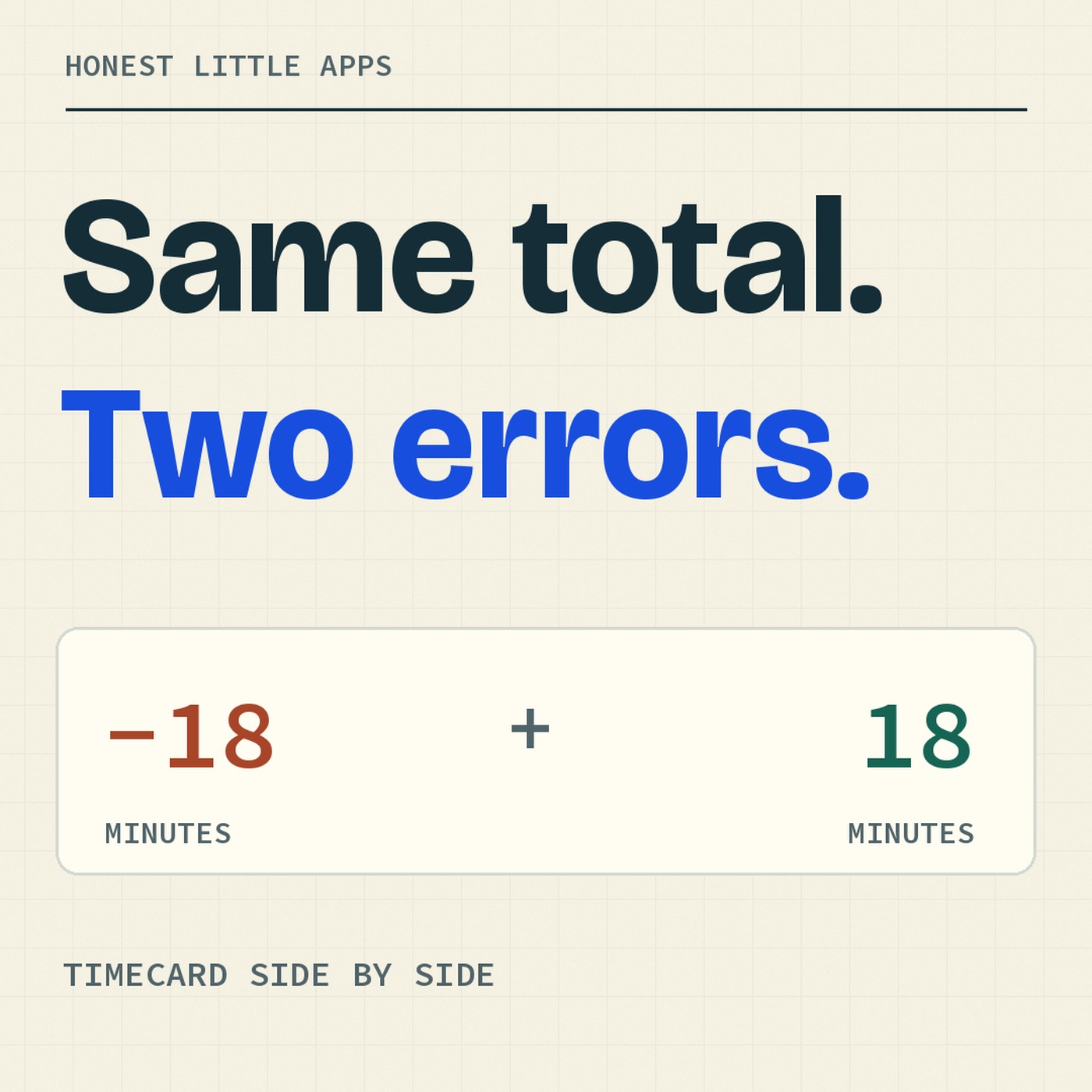
Same total, two errors
Monday’s clock says 7:45. Payroll says 7.45. On Tuesday, the error goes the other way. Watch both records add up to 14 hours 15 minutes.
Read the 23-second example
7.45 decimal hours is 7 hours 27 minutes, 18 minutes less than 7:45. 6.80 decimal hours is 6 hours 48 minutes, 18 minutes more than 6:30. The record totals agree. The two shift entries differ.
Why 7.45 is 7:27
The digits after the decimal point are a fraction of one hour. Multiply 0.45 by 60 to get 27 minutes. In the other direction, 45 minutes divided by 60 is 0.75 of an hour, so 7:45 is 7.75 decimal hours.
Payroll entries rounded to two decimal places can differ by seconds. The checker shows those seconds so you can see what was actually entered.
Read iApp4Me’s guide to comparing a shift with a pay statement.